Scene 01
Speak. Review. Deliver.
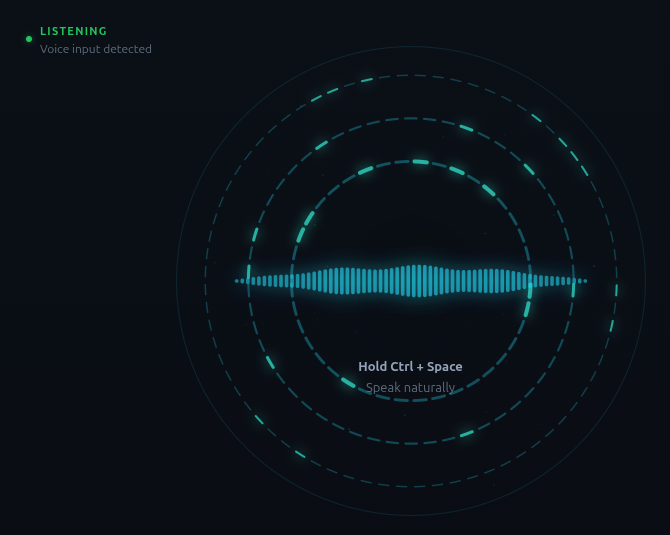
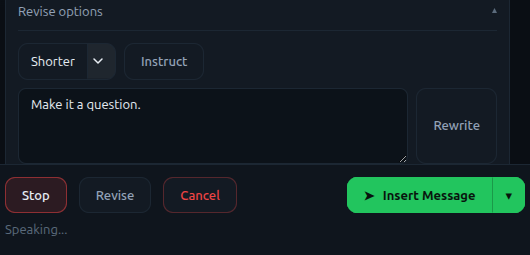
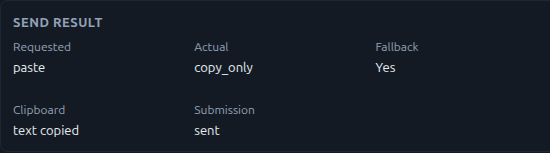
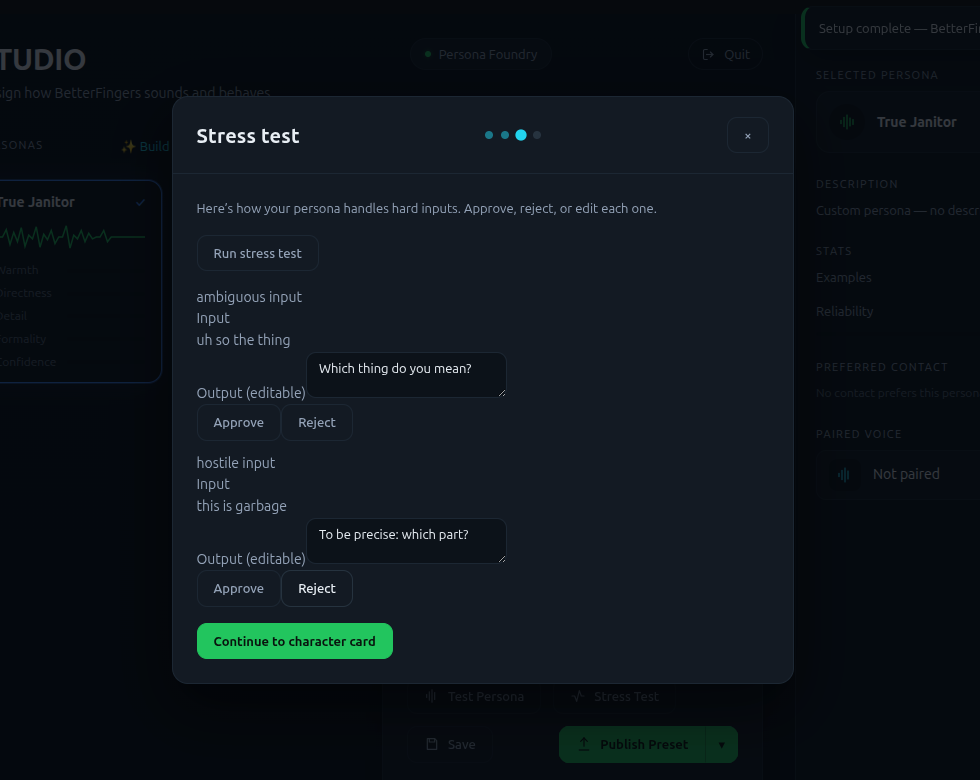
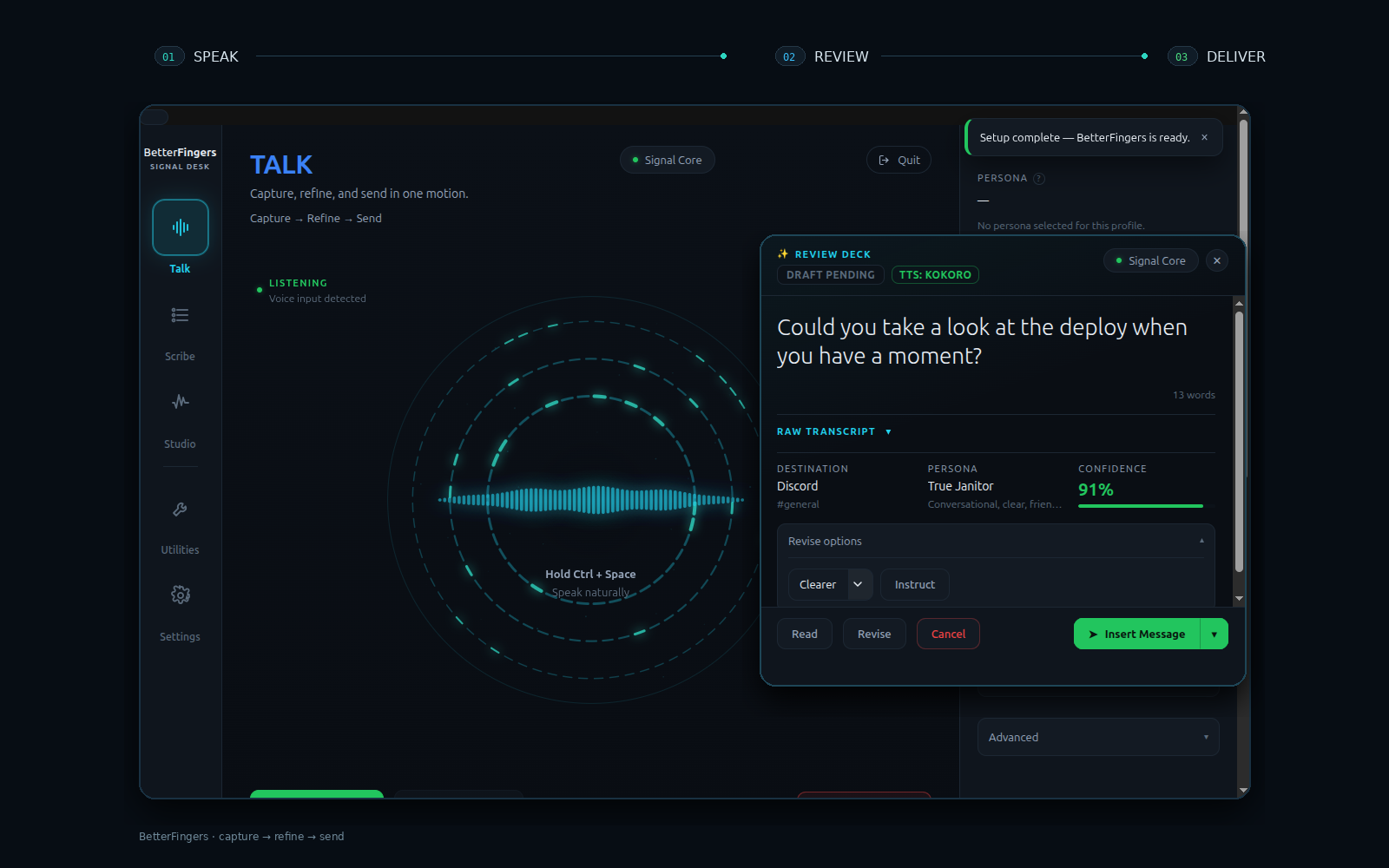
The desktop loop keeps capture, refinement, and the final delivery choice visible before text leaves BetterFingers.
Signed updater-enabled alpha
PROJECT SOURCE · PUBLIC ALPHA
Product showcase
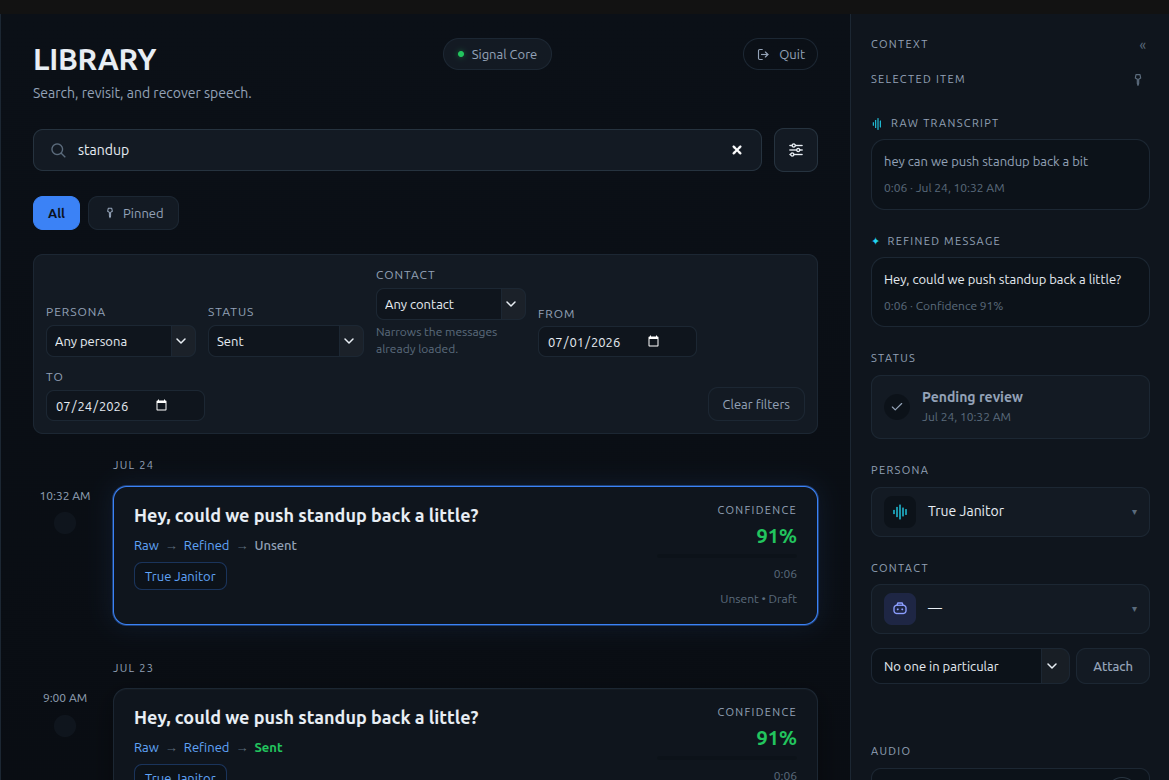
Follow the current public-alpha workflow from speech capture and review through personas, recoverable history, and local controls.
Scene 01
The desktop loop keeps capture, refinement, and the final delivery choice visible before text leaves BetterFingers.
01 / 05
At a glance
A local-first desktop dictation app that transcribes speech, optionally refines it with a local language model, and lets users review text before placing it into another application.
Capabilities
Implemented capabilities from the project-owned source.
Captures speech from a desktop trigger and transcribes it with a local Whisper-based runtime.
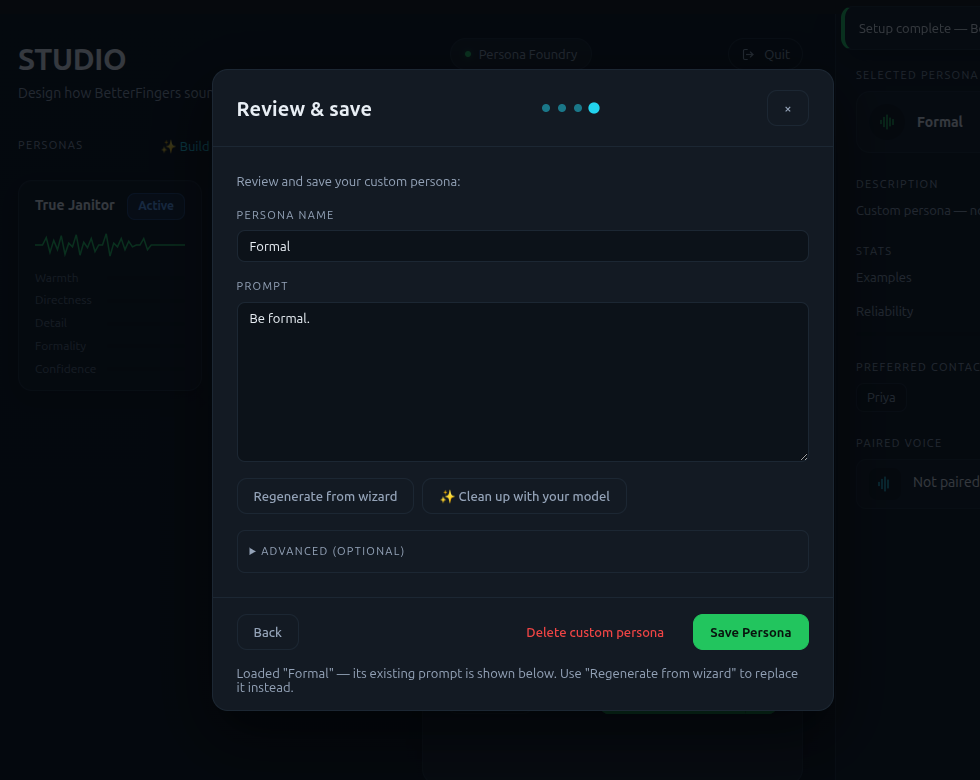
Optionally refines transcribed text with local LLM personas, formatting commands, a personal dictionary, and text macros; this separate language model is off on a fresh install.
Provides an editable review step before placing text into the focused application and restores the clipboard afterward.
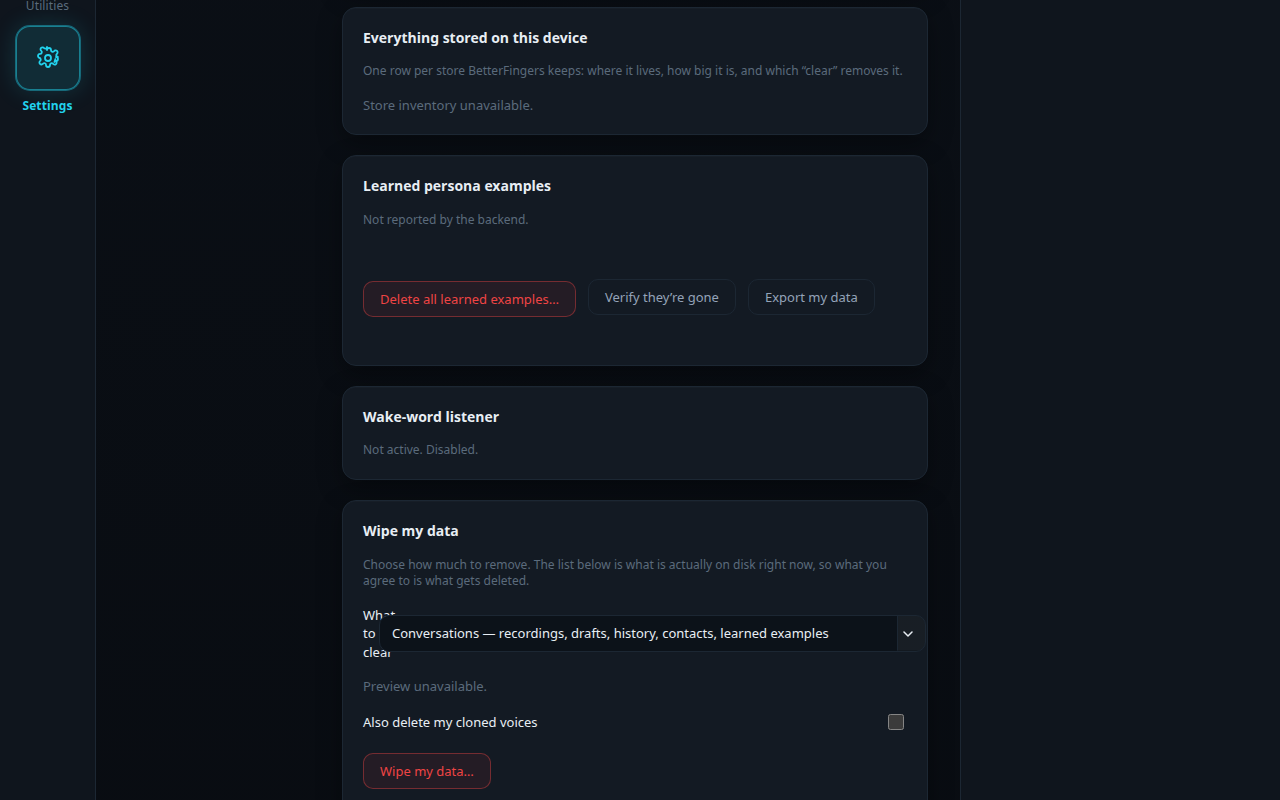
Retains raw recordings for recovery and provides local privacy reporting and data-wipe controls.
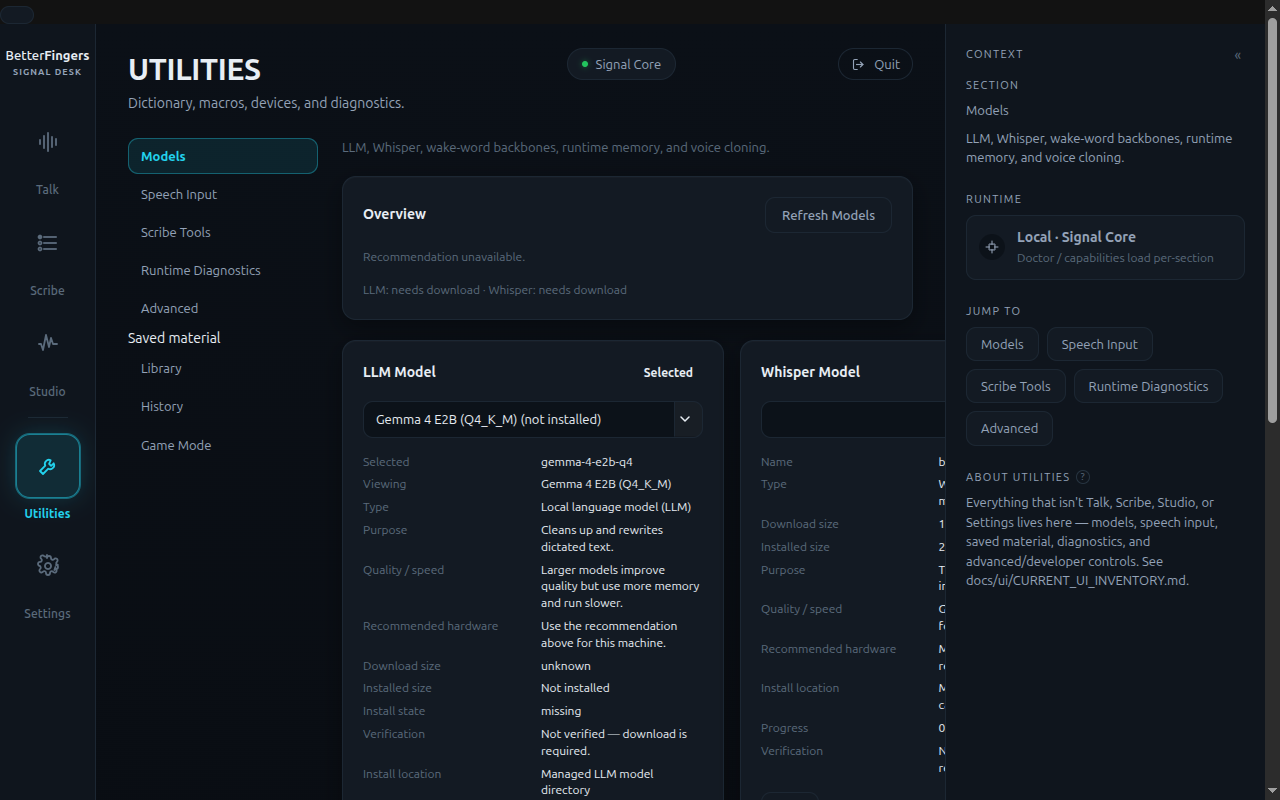
Reports hardware capabilities and recommends local model tiers that fit the machine's available resources.
Packaged Windows builds check the signed public channel from Settings; downloading and restarting to install remain separate user-approved actions.
In detail
BetterFingers is a local-first desktop dictation app. It captures speech, transcribes it locally, gives the user a review step, and places approved text into the focused application. Local language-model cleanup is available as an option, but it is off on a fresh install and is not required for basic dictation.
Version v1.1.0-alpha.3 is the signed Windows updater bootstrap for invited friend testing:
This is experimental alpha software. The Windows installer is Authenticode signed by Donaven Crenshaw and carries a Microsoft timestamp, but a new publisher or low-download build can still receive a Microsoft SmartScreen reputation warning. Download only from the official links above, confirm the signature, compare the installer against its .sha256 sidecar, and do not disable Windows Security or antivirus protections.
In PowerShell, calculate the downloaded installer's hash with:
Get-FileHash .\BetterFingers-Setup-1.1.0-alpha.3-x64.exe -Algorithm SHA256
The resulting value must match the hash in BetterFingers-Setup-1.1.0-alpha.3-x64.exe.sha256 on the release page before running the installer. Alpha 2 users install Alpha 3 manually over the existing copy; the installer keeps the same application identity and preserves user data by default.
Alpha 3 is the one-time updater bootstrap. Once it is installed, supported later Windows builds can be checked from the BetterFingers Update card in Settings. BetterFingers never downloads an update merely because it found one: Download update and Restart and install are separate user-approved actions. The signed update feed remains the public RoyGSlade/BetterFingers GitHub Releases channel.
Speech-to-text requires one local Whisper speech model. BetterFingers downloads that model only after the tester chooses it in setup, so network access and adequate disk space are required.
The separate multi-gigabyte language model used for AI cleanup is optional. Leave Enable AI cleanup off to dictate with Whisper alone. Model processing is intended to remain local; the release does not require a hosted LLM.
Please use short, non-sensitive dictation while this build is experimental:
Report reproducible problems through GitHub Issues. Include the Windows version, CPU/GPU, microphone or audio interface, target application, exact steps, and visible error. Do not attach private transcripts or recordings.
The alpha includes local speech capture and Whisper-based transcription, optional local LLM refinement with personas, formatting commands, a personal dictionary, text macros, an editable review overlay, text-to-speech read-back, cross-application text placement, searchable history, recording recovery, privacy reporting, data-wipe controls, a guided setup tour, and consent-based signed Windows updates. Hardware-aware model recommendations help identify local model tiers that fit the machine.
Windows 11 x64 is the primary friend-testing installer target for this alpha. A Linux AppImage is included as an experimental artifact; Linux X11 has the stronger compatibility path, while global hotkeys and text injection on Wayland remain best effort. macOS is not supported.
Raw recordings can be retained for recovery, and production-grade at-rest encryption is not included. Testers should not dictate highly sensitive, regulated, or confidential material. Updates do not remove settings, models, recordings, history, or other user data; optional data-category removal is available only through explicit uninstall choices.
Developers can still run BetterFingers from a source checkout. On Linux, the repository documents a hardware-aware environment setup followed by the Electron development command:
python3 tools/setup_venv.py
cd app && npm install && npm run fix:electron
BETTERFINGERS_PYTHON=../.venv/bin/python npm run dev
The local language-model runtime is required only when AI cleanup is enabled. These commands describe developer source-running and are separate from the alpha installers above.
BetterFingers v1.1.0-alpha.3 is a signed updater-enabled public alpha for invited testing, not a stable or broadly qualified release. Alpha 2 users must install this bootstrap manually. Friend feedback, reliability evidence, the first real Alpha 3-to-later-version updater test, and wider hardware and application compatibility remain active qualification work.
Build log
Open an entry for the complete note.
Alpha 3 is the signed Windows updater bootstrap. Its protected GitHub release carries the Authenticode-signed NSIS installer, SHA-256 sidecar, updater channel metadata, matching blockmap, Authenticode report, Linux AppImage, and SBOM.
Alpha 2 users install Alpha 3 manually over their existing copy. After that bootstrap, supported later Windows releases can be checked from Settings. Finding an update does not download or install it: downloading and restarting remain separate user-approved actions. Updates replace program files while preserving settings, models, recordings, history, and other user data.
The protected GitHub workflow rebuilt, signed, smoke-tested, downloaded, and verified every release asset before the public v1.1.0-alpha.3 prerelease was approved. The website download continues pointing to the public RoyGSlade/BetterFingers GitHub release rather than a website-only installer.
The tagged alpha includes a Windows 11 x64 NSIS installer and an experimental Linux AppImage. The release page carries SHA-256 sidecars, the Windows Authenticode status report, and a CycloneDX SBOM.
The Windows build is unsigned while Azure Artifact Signing validation is pending, so SmartScreen can warn. Testers should use only the official release links, verify the checksum, keep Windows security protections enabled, and avoid sensitive dictation. A Whisper speech model is required for transcription; the separate multi-gigabyte LLM used for AI cleanup is optional and off on a fresh install.
Friend testing is meant to identify hardware, audio, injection, clipboard, setup, and usability failures before signed-release qualification. Reports should include reproducible steps and system details without private transcripts or recordings.
BetterFingers adopted the v1 project source contract so its current project facts, page content, update feed, and empty screenshot boundary live in this repository for DonavenCrenshaw.com to review.
Next sequence
Select a node to inspect the plan without crowding the workflow.